How to Permanently Delete Your X Account

X does not erase your account the moment you click a button. You first deactivate the profile. After 30 days without signing back in, X permanently deletes your account, posts, and @username.
This guide walks through the official flow on x.com and the mobile apps, with tips so you do not accidentally cancel deletion.
Step-by-step
-
Sign in on x.com
Open https://x.com in a browser (or the X app) and sign in with the account you want to remove.
Tip Use a private window if you are signed into other accounts on the same browser.
-
Open Settings and privacy
Click your profile picture (web) or the menu icon (app), then choose Settings and privacy.

Step 2 — Open Settings and privacy -
Go to Your account
In the left sidebar (web) or account section (app), select Your account.
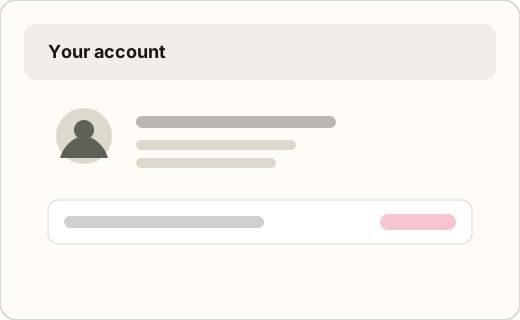
Step 3 — Go to Your account -
Choose Deactivate your account
Scroll to Account information, then select Deactivate your account. Read the summary of what will be removed.
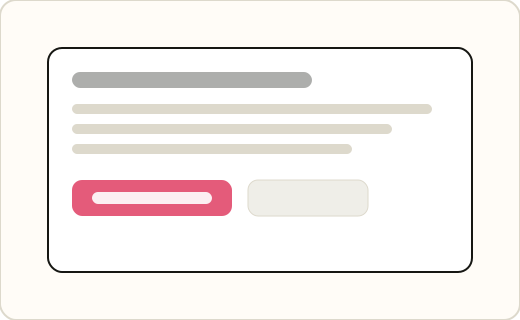
Step 4 — Choose Deactivate your account -
Confirm your password
X asks you to re-enter your password (or complete verification) to confirm the request is really from you.
Tip If you use Sign in with Google or Apple, follow the provider prompt X shows.
-
Confirm deactivation
Click Deactivate. Your profile, posts, and likes disappear from public view immediately. Permanent deletion starts its 30-day countdown.
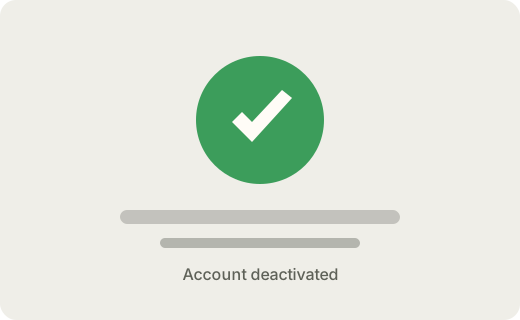
Step 6 — Confirm deactivation -
Wait 30 days without signing in
Do not open the app or website with this account for 30 days. After that, X permanently deletes the account and frees the username for others.
Tip Remove the account from password managers and logged-in devices so you do not trigger a reactivation by mistake.
If you only wanted a break, deactivation still hides your profile right away—you can reactivate anytime within 30 days by logging in.
Need to check whether other usernames are still live after you leave X? Try the Live / Suspended Checker on XKit Pro.
FAQ
- Is deactivating the same as permanently deleting?
- Deactivation is step one. Permanent deletion happens automatically if you stay deactivated for 30 days without logging in.
- Can I get my @username back after deletion?
- No. Once the account is permanently deleted, the username can be registered by someone else.
- What if X suspended my account?
- Suspended accounts follow X’s enforcement process. This guide applies to accounts you can still access in Settings.
- Does deleting remove DMs on the other person’s side?
- Your side of conversations is removed from your account. What recipients still see depends on X’s current DM retention rules.